
 Illustrative concept
Launch a campaign
From product materials to strategy, video, and ads.
Strategy briefAd creativeSocial graphics
Use this Outcome Ready-to-use workflows for common business goals. Bring your materials, get finished deliverables.
Illustrative conceptFrom product materials to strategy, video, and ads.
Sources → evidence → decision
Evidence table · Options · Next steps
From sources to a decision memo and action plan.
 Verified staging result
Upload a poster, correct the details, get matching promotional assets.
Explore the full library of Outcomes and find a starting point for your next goal.
How Whizurai works
Follow a coffee launch from scattered materials to a complete handoff. Choose a step to see how the work connects.
Step 1 of 5 · Gather sources
A product deck. A few useful links. Notes from your team. Bring them together around one clear goal: launch a coffee brand.
The research step gets this source packet, so it can work from your materials.
Workflow ideas for founders, agencies, and small business teams. Build your own to fit the job.
What you get
See what each workflow needs and what it delivers.
Internal production case
Turn product evidence into a campaign brief, an ad, matching static creative, copy and a test plan.
For Founders and small marketing teams
Bring Product facts, source evidence, brand and a campaign angle
View example of Launch a campaignUse this OutcomeLead the campaign with the Event Promotion Kit as a repeatable workflow for small venue teams, delivered inside the approved Explore Outcomes CTA. The campaign may promise a demonstrated workflow that preserves supplied event facts across venues and produces poster, feed, story, captions and email assets [E1, E2]. It must not claim autonomous deep research, customer acceptance, measured time savings, first-pass reliability, or automated delivery, because none of these has been observed [E3, E4].
Read the complete memoInternal production case · supplied-source analysis
Read the decision pack behind this campaign: a cited memo, comparison, uncertainties and the next action.
For Founders and teams preparing a launch decision
Bring A decision question, product facts and source excerpts
View example of Make a sourced decisionUse the decision-to-campaign Outcome
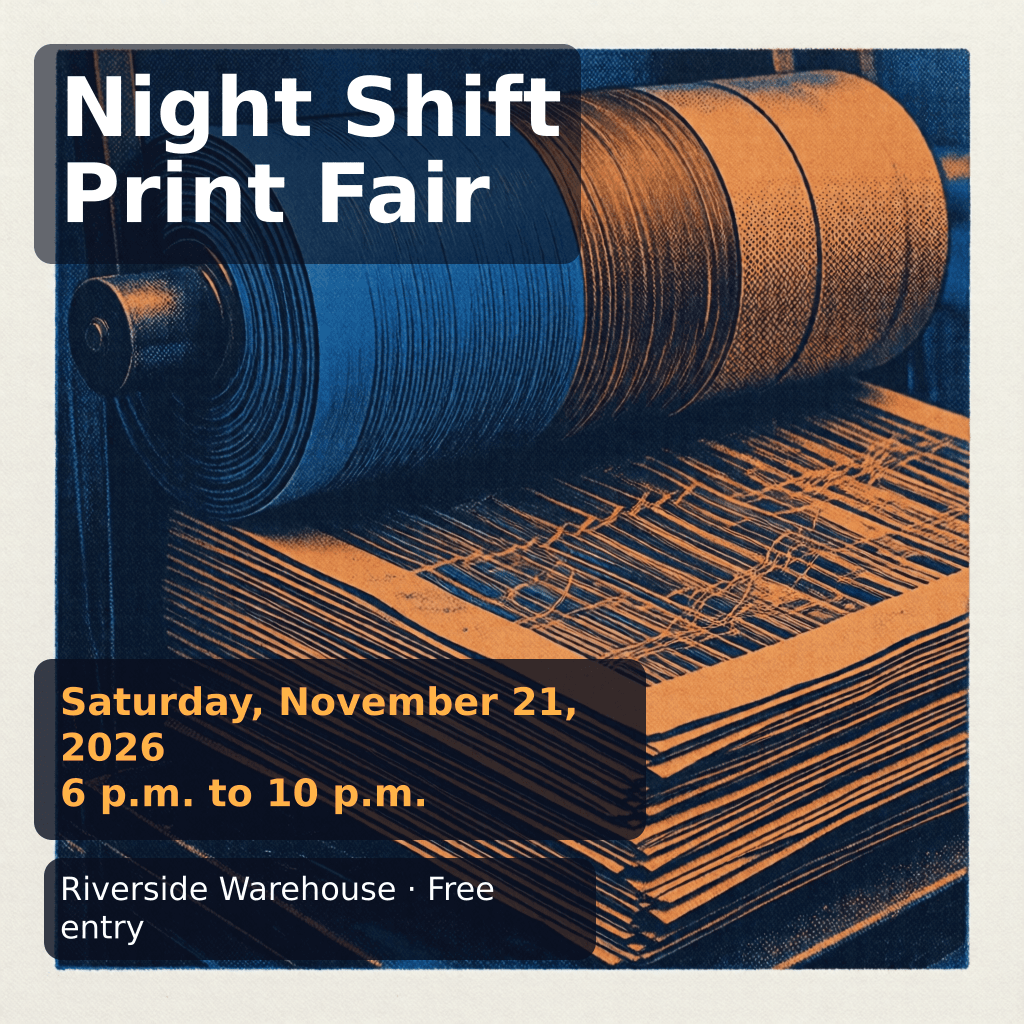
Fictional event demonstration
Prepare a poster, feed and story graphics, captions and an email from one event record.
For Venue teams, community organizers and their agencies
Bring One approved event record and an artwork direction
View example of Promote an eventUse this OutcomeTurn product evidence into a campaign brief, an ad, matching static creative, copy and a test plan.
Audience and channel choices are hypotheses for a future test; performance fields are empty. The silent video uses three retained cards, with operator finishing to keep text inside the moving frame, plus a selected caption from the generated copy. Its original is retained. Images are flattened exports and the download bundle is manually packaged.
Internal production case
Supplied event fields drive poster, feed, story, captions and email, with facts preserved across venues. Two controlled staging runs succeeded, differing only by venue, preserving supplied event facts (internal production case, observed 2026-11-20, not customer acceptance). Explore Outcomes.
Retained staging run
Stored brief, copy and artwork
Selected concept: Same Record, Every Venue One event record, consistent facts across every venue and format. Finding: The Event Promotion Kit produced consistent venue-specific outputs in a controlled staging case, the strongest verifiable asset to lead with.
Finished ad, static graphic and copy
Supplied event fields drive poster, feed, story, captions and email, with facts preserved across venues. Two controlled staging runs succeeded, differing only by venue, preserving supplied event facts (internal production case, observed 2026-11-20, not customer acceptance). Explore Outcomes.
More work you can prepare
Get a schedule, an exception list, and a supervisor handoff to review before confirming bookings.
Worked example using sample data · reviewed on staging
Sample kayak rental shift · 20-minute turnaround
R103 · Needs customer confirmation
Original promise: 10:15–11:15
The kayaks return at 10:00 and need 20 minutes of turnaround. KY01 can serve 10:20–11:20. This proposed slot is not reserved.
Two completed runs of the same saved Outcome. The second uses a sample approved time; no customer was contacted and no real reservation was changed. Review the schedule and obtain customer confirmation before changing a booking.
Worked example using sample data.